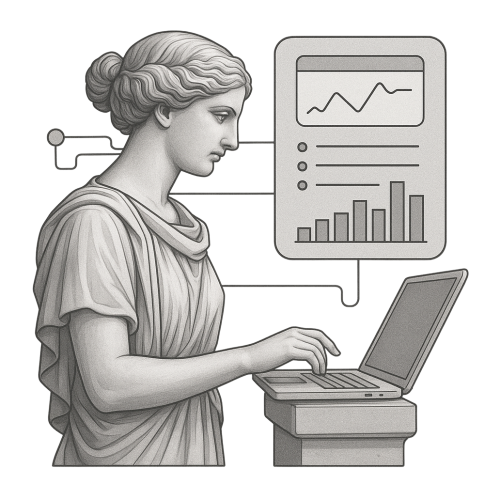
Working in an isolated environment? Air-gapped deployment? Remote jump server? You still need to look things up, read docs, access external resources.
The Browser gives you web access from inside. No VPN gymnastics. No breaking isolation. Just a browser where you need it.

Inside Your Environment
Session Logging
Policy-Governed
What is the Browser?
Why Include a Browser?
When working in secure or isolated environments, web access is often restricted or unavailable:
- Air-gapped networks have no direct internet connectivity
- Jump servers may not have browsers installed
- Isolated workspaces restrict what can run on the endpoint
But you still need to look things up. Read documentation. Access external resources.
The Browser solves this by providing web access from inside your Calliope environment, wherever that runs.
Use Cases
Documentation Lookup: You’re working in an isolated environment and need to check API docs, library references, or external resources. The Browser gives you access without breaking isolation.
Remote Development: You’re connected to a remote Calliope deployment and need web access without setting up additional tunnels. Browse from inside your environment.
Air-Gapped Research: Your environment is isolated from the internet, but you need to access external information through a controlled channel. The Browser provides that controlled access.
Not an AI Tool
The Browser is a utility, not an AI-powered tool. It’s just a browser — included because sometimes you need one, and it’s better to have it inside your environment than to break isolation to use one outside.
The AI tools in The Hub are AI Lab, IDE, Chat Studio, Deep Agent, and Langflow. The Browser is the practical utility that rounds out the platform.
The Browser is included with The Hub. Access the web from wherever your Calliope environment runs.